

Spandbox for Windows
Your whole business, in its own window
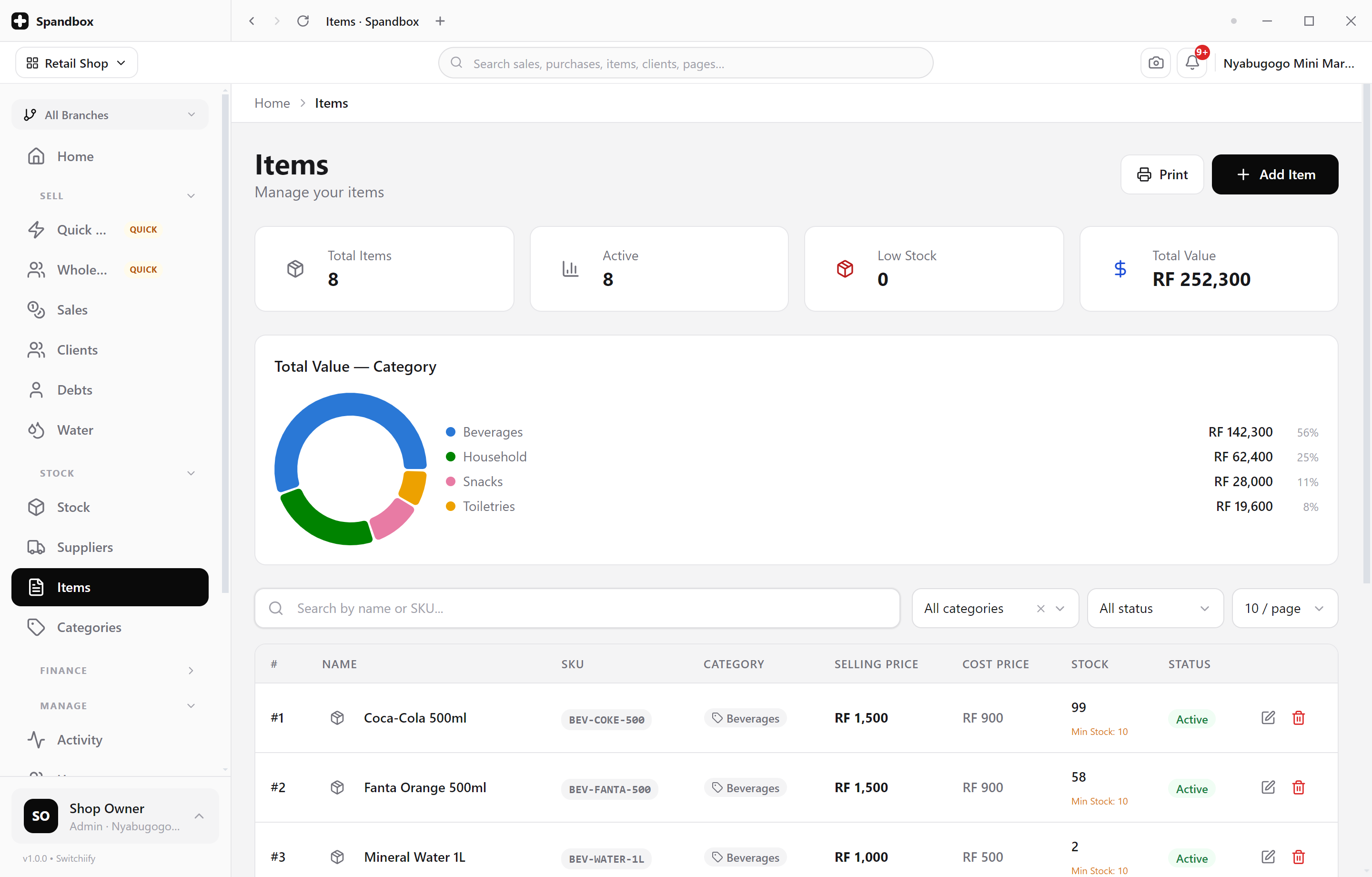
The desktop app is the full Spandbox platform with a window built around it — tabs, so the counter and the stock room can be open side by side, and an icon on your taskbar instead of a tab lost in a browser.
Version 1.1.0 · 69 MB · Windows 10 and 11 (64-bit)
Free with every Spandbox account. Create one if you don't have one yet.
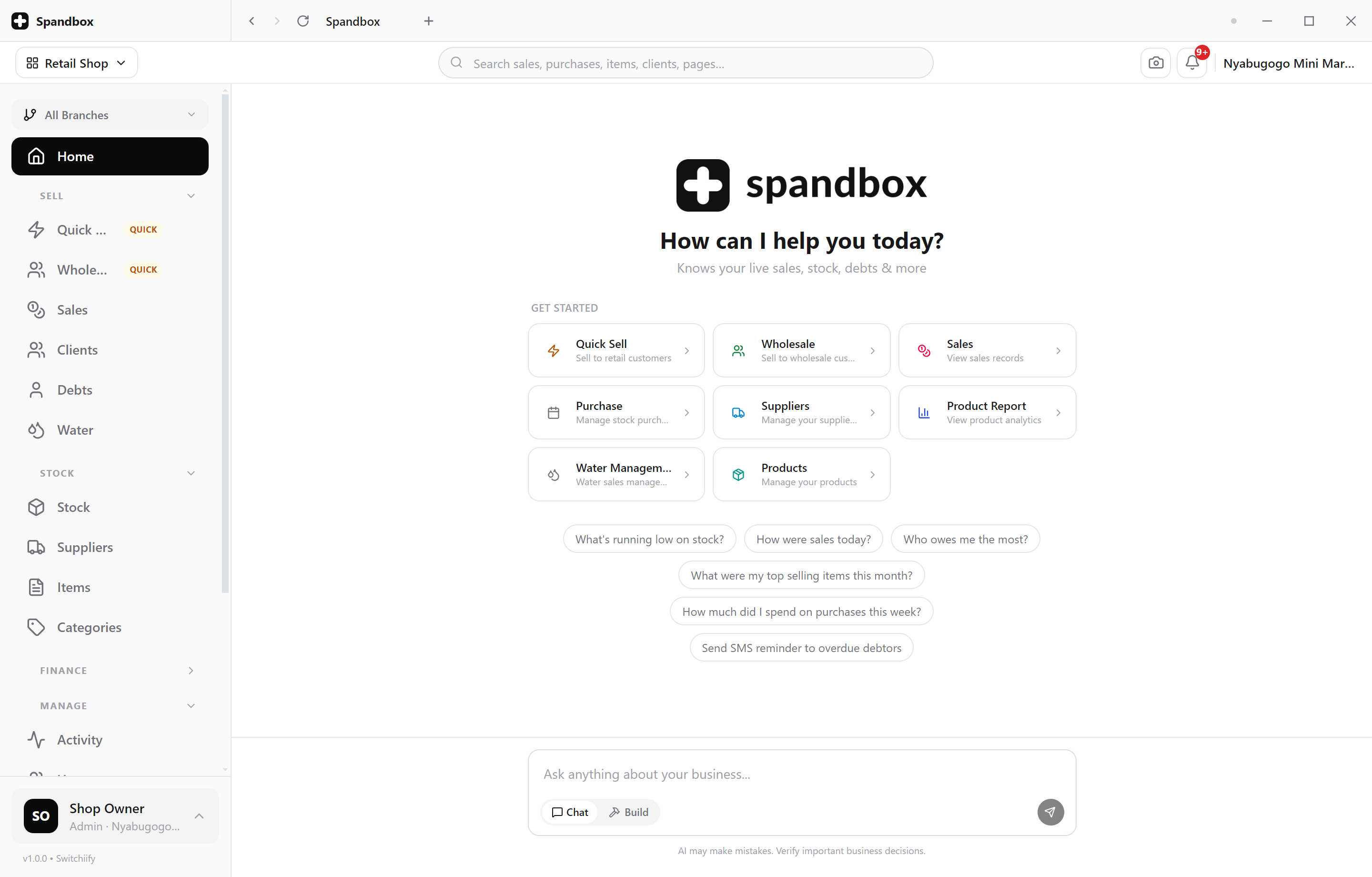
Tabs
Several pages of Spandbox open at once, each with its own history.
One window
Its own taskbar icon and title bar — not a tab you close by mistake.
Offline-first
Your data and pages keep working when the connection drops.
Always current
The app follows the platform, so there is nothing to update by hand.
Tabs
Keep the counter, the stock room and the numbers open at once
Every tab is a full copy of Spandbox on its own page. Serve a customer in one, count stock in another, and switch between them without either losing its place. Each tab is titled after the page it's showing, so the strip reads like your work rather than like a browser.
- New tabs open on your home screen
- Each tab navigates independently
- Tab titles follow the page you're on
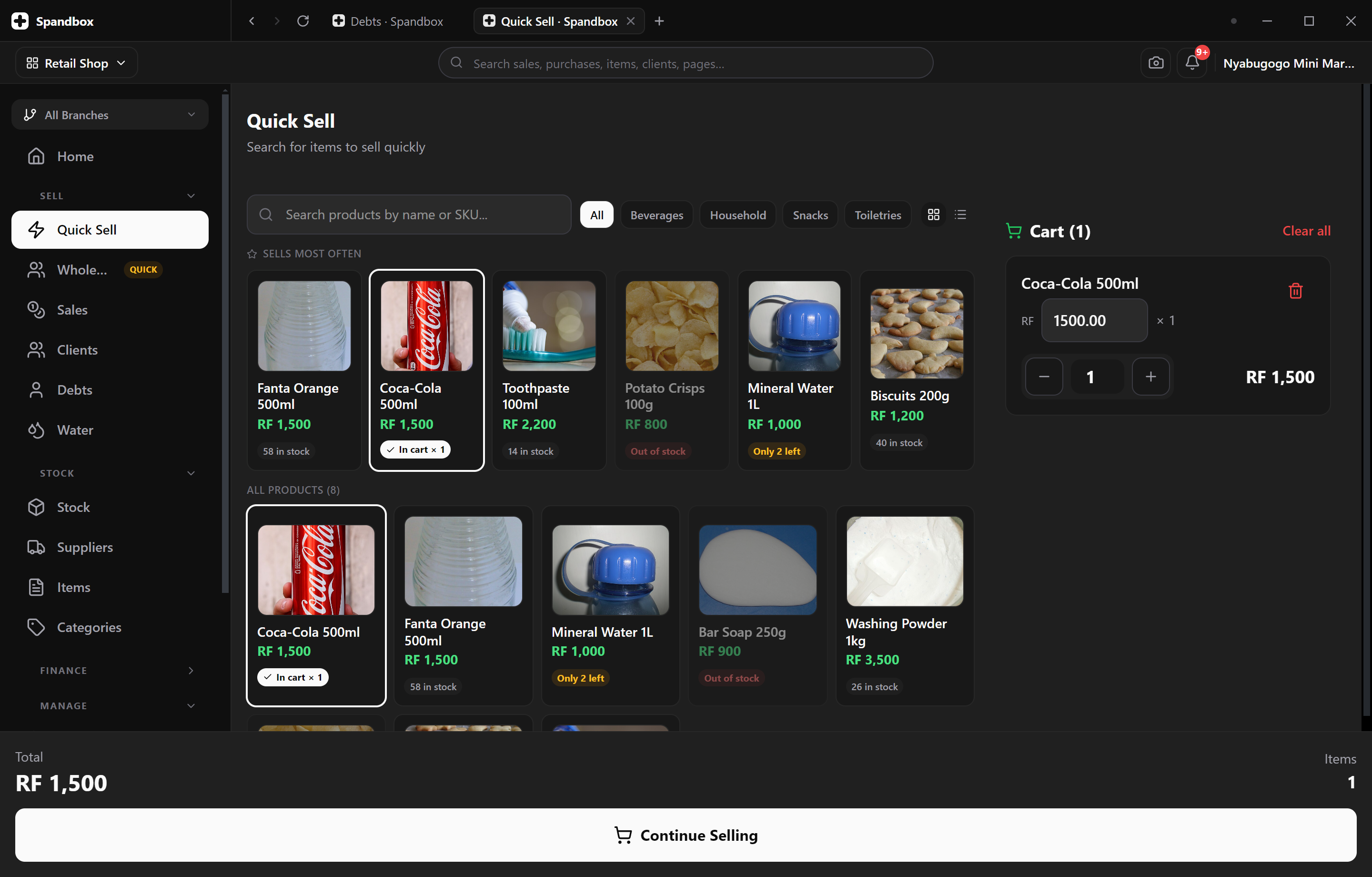
The whole platform
Not a cut-down version. The same Spandbox.
The desktop app is the platform in its own window — every page, every module, the same data. Nothing is held back for the browser, and nothing has to be learned twice. Sign in with Google opens your real browser for the Google step, then hands you back to the app.
- Same account, same data, same pages
- Updates arrive with the platform — no reinstall
- Light and dark, following your account's theme
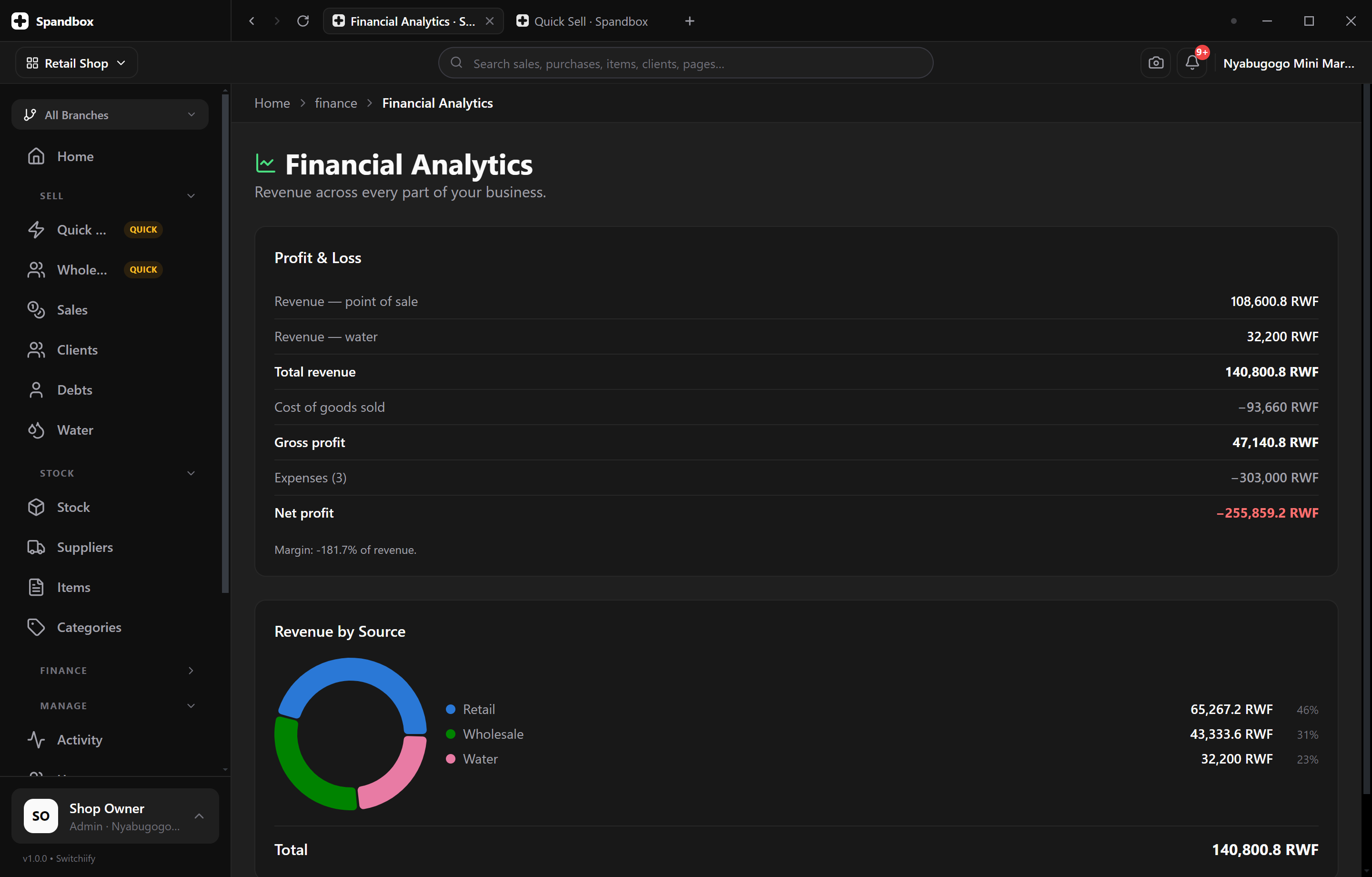
At the counter
Built to be left open all day
A dedicated window means no address bar to lose the app behind, no tab you can close by accident, and an icon on the taskbar that puts the till one click away.
- Its own window and taskbar icon
- Custom title bar, minimise, maximise and close
- Remembers your theme between launches
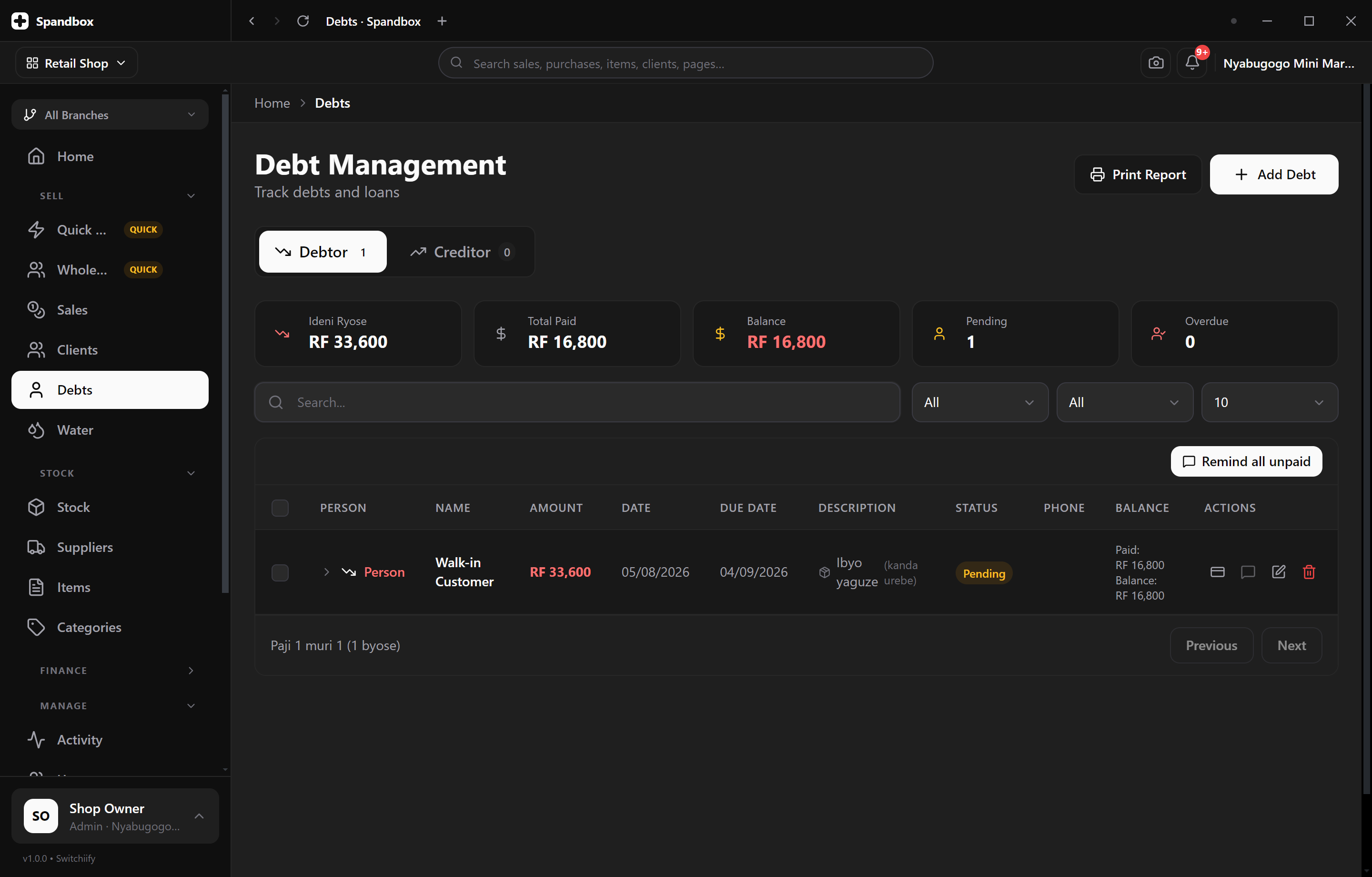
Offline
Keeps working when the connection doesn't
Spandbox is offline-first, and the desktop app knows the difference between your machine being offline and the platform being unreachable — it checks the connection itself and tells you plainly, instead of leaving you on a blank page. Only payment and AI features need to be online.
- Viewing, navigating and your data keep working offline
- A clear, honest message when the platform can't be reached
- Reconnects on its own — nothing to restart
Three steps, about a minute
Download the installer
One file. No account needed to download it — you'll sign in once the app opens.
Run it
Windows may warn about an unrecognised publisher the first time. Choose More info → Run anyway; the app is not yet code-signed.
Sign in
Use the same Spandbox account you use in the browser. Everything is already there.
Spandbox-Setup-1.1.0.exe · 69 MB
What you need
- Operating system
- Windows 10 or 11, 64-bit
- Disk space
- About 300 MB once installed
- Account
- Any Spandbox plan, including the free trial
- Connection
- Needed for payments and AI features only
macOS and Linux
Not available yet. Spandbox runs in any modern browser in the meantime, and installs to your dock or home screen from there — the same platform, the same account.
See what the platform does